 Widely read:




Many investors assume that the current exit load structure of a fund applies to all their investments, but that's not the case. Exit loads are determined by the rules in effect at the time of the original investment. So, if a fund changes its exit load policy, the new structure will not impact older investments.
For instance, if you invested when a 1 per cent exit load applied for redemptions within one year, that charge will still apply - even if the fund later removes or reduces the exit load window. This also applies to systematic investment plans (SIPs), where each instalment is subject to the exit load in place at the time it was invested.
Because of these changes, it's essential to check the specific exit load applicable to your investments before redeeming. Here's how you can do that:
1. Request an exit-load report from the fund house: Fund houses typically provide a report outlining the exit load applicable to your investments. You can request this report through customer care or, in some cases, generate it online. Some platforms may show the applicable exit load before confirming a redemption.
2. Generate an exit-load statement on the CAMS website: By visiting the CAMS website, you can generate an exit-load statement under the 'Statement' tab. This is helpful but limited to individual folios, making it cumbersome if you have multiple investments.
3. Use tools like Value Research Online: For those who are paid subscribers of Value Research Online, all you need to do is head to your portfolio and access the Liquidity section under the Analysis tab. Here, you can check which portions of your portfolio have an exit load and which don't.
This way, you can make an informed decision before withdrawing from your fund.
Also read: Is there a better mode to hold your mutual fund investments?
This article was originally published on October 08, 2024.
Disclaimer: This content is for information only and should not be considered investment advice or a recommendation.
For grievances: [email protected]
Ask Value Research 
 New episodes every Friday






 New Process Alert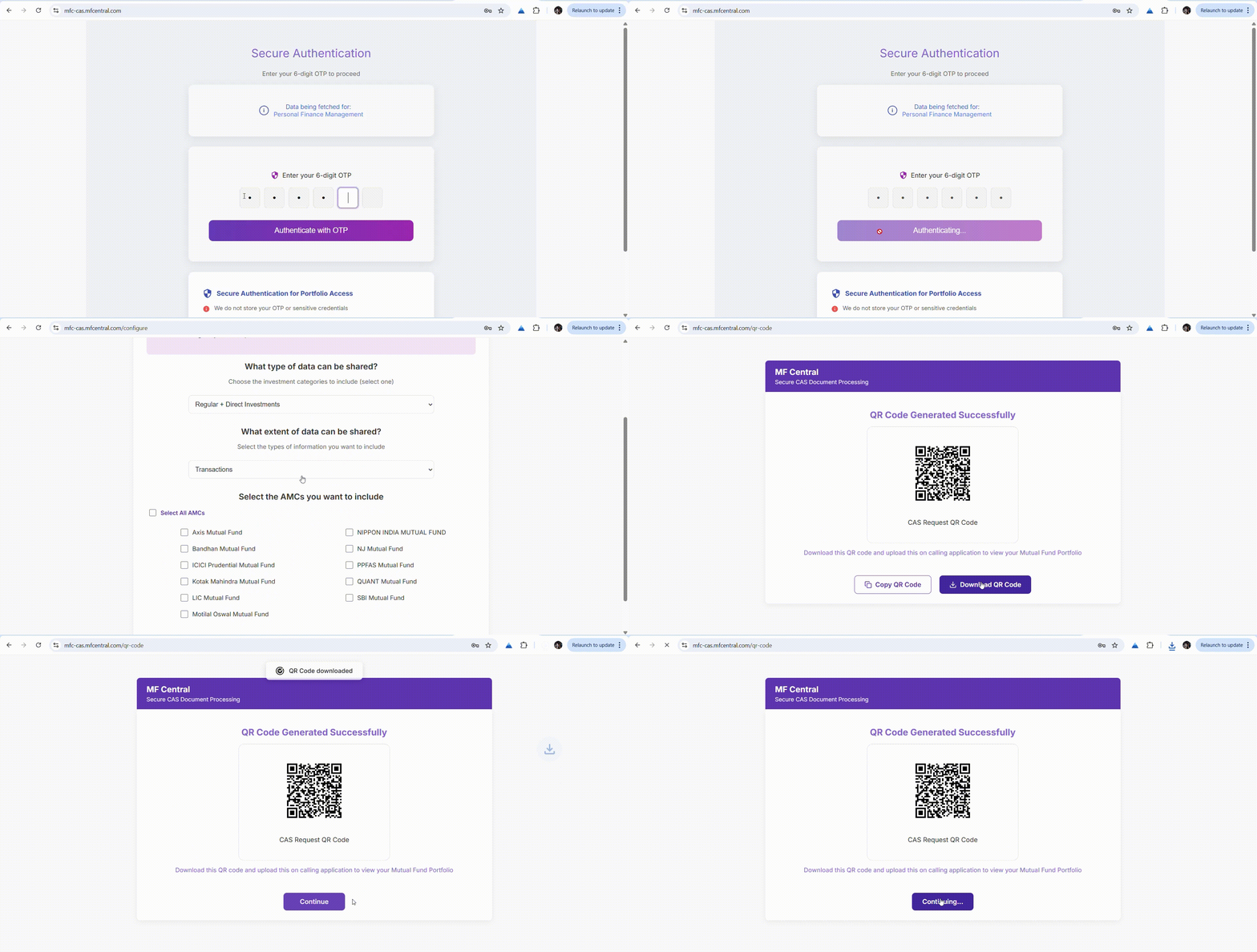
 Seems like you've uploaded a wrong QR code. Please upload the QR code downloaded from MF Central platform.


